 Skip to content

Marketing & Content
Social Media Content Calendar for UAE Businesses
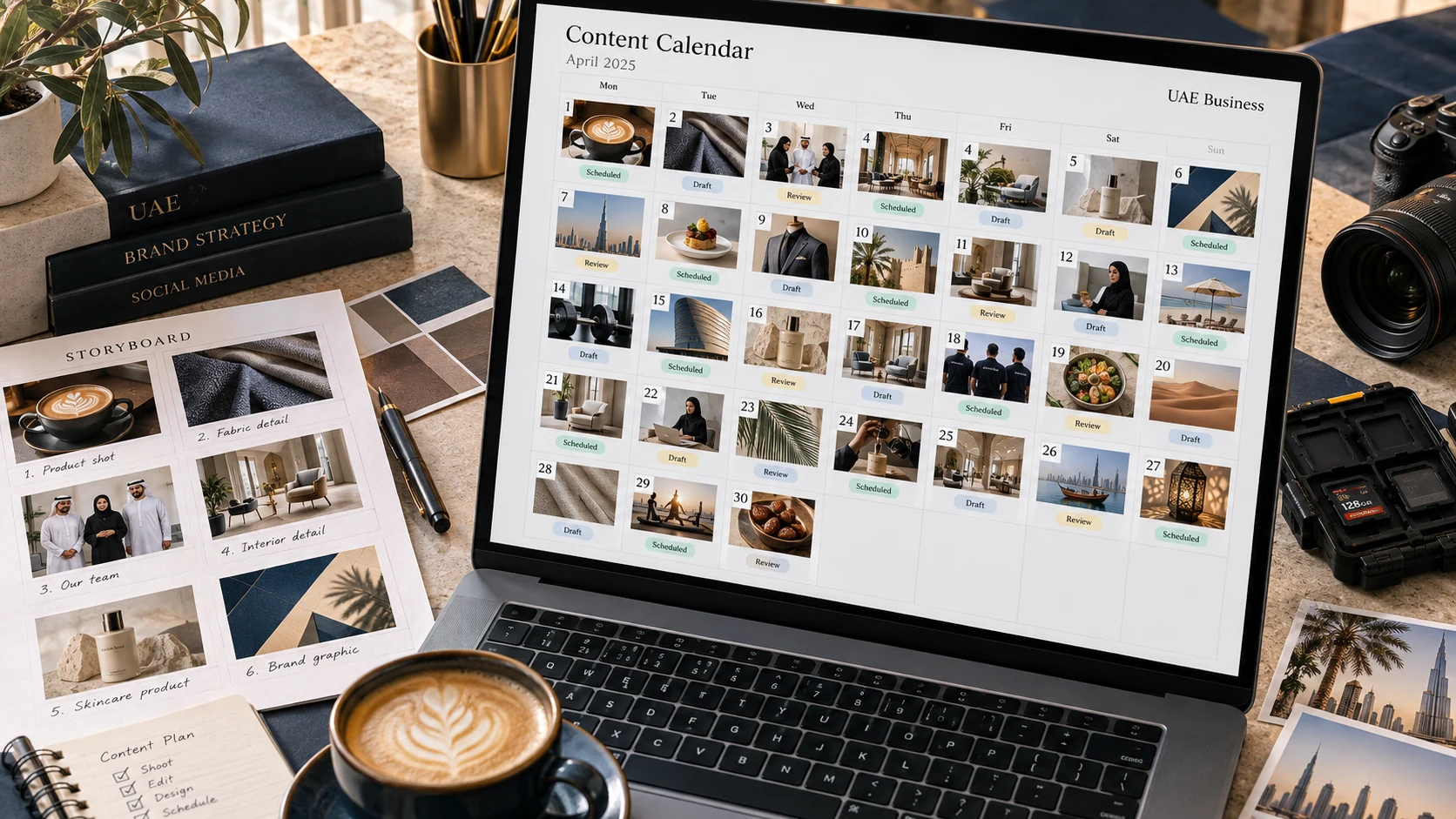
A social media content calendar turns a collection of posting ideas into an organised production plan. For a UAE business, it should show what will be published, why it matters, which assets are needed and who must approve it. A date beside an unfinished idea is not enough.
The calendar is especially useful when photography, writing, design and account management are handled by different people. It gives them a shared reference and makes it easier to spot repeated footage, outdated offers and missing information before publication.
Give your social media content calendar distinct themes
Start with the questions a prospective customer asks while assessing the business. Useful themes often include service explanations, work examples, process details, practical answers and relevant offers. Choose themes that fit your activity rather than copying a generic list of awareness days.
A fictional facilities company, for example, could explain the difference between routine and one-off work, show a permitted project detail, answer a preparation question and introduce its enquiry process. These are different communication jobs; changing the headline above the same photograph is not the same kind of variety.
Plan a useful week before filling a whole month
Choose a manageable publishing rhythm based on the material and review time available. There is no need to fill every day just to make the calendar look busy. First check whether the proposed pieces answer different questions and can be produced well.
| Content job | Example format | Required asset | Next step |
|---|---|---|---|
| Explain one service | Short Reel | A distinct process sequence | Ask about the service |
| Help customers compare | Carousel | Original diagrams or relevant details | Save the checklist |
| Show actual work | Photo post | An approved project photograph | View related work |
| Answer a practical question | Stories | Fresh supporting shots | Send a relevant question |
This is an illustrative weekly mix, not a universal posting-frequency recommendation. Add or remove pieces according to your production capacity and what the audience finds useful. A monthly plan should leave room for real business updates.
Track the asset, not just the subject
Give each image or clip a stable filename or reference. Record its source, previous use, intended channel and any approval restrictions. Two videos with different filenames can still contain the same sequence, so review the actual footage rather than relying on a folder list.
Track the cover separately from the video. A fresh cover does not make a previously published film new. Also check carousel slides, because a repeated image can be hidden behind an original first slide. Note deliberate reuse clearly when it is appropriate, rather than letting it happen by accident.
- Content ID and purpose.
- Planned date and platform.
- Caption, language and next step.
- Photo/video asset IDs and cover reference.
- Previous-use status and permissions.
- Reviewer, approval status and final scheduled version.
Use one approval path
Choose a person who can confirm service details, prices and business information. Share a preview that includes the complete creative and caption. “Approved image” should not be treated as approval for an unseen caption or an altered offer.
Separate draft, awaiting review, approved, scheduled and published statuses. When something changes, identify the final version explicitly and remove the obsolete version from the publishing queue. Record actual publication details so the next planning cycle starts from what went live.
For video assets, our shoot planning guide helps organise the capture stage. Our social media management guide explains the wider responsibilities around the calendar.
Connect each post to the right destination
If a post discusses a specific service, link to the page that explains it when the format supports a link. For a message-led post, give a useful prompt rather than a vague “contact us”. Check that Arabic and English versions agree on the offer and any conditions.
When a campaign uses a website article as supporting content, link naturally to the relevant service and contact page. Google’s link guidance explains why descriptive, contextual links help readers navigate. A social calendar supports content organisation; publishing more social posts alone is not a guarantee of higher Google rankings.
Review and carry the learning forward
At the end of the month, compare the purpose of each piece with the response it received. Record useful questions, relevant enquiries and evidence of confusion alongside platform reporting. Use those observations to adjust next month’s topics instead of recycling the same designs with new dates.
Frequently asked questions
Must every post use a new photoshoot?
No. A well-planned shoot can provide different useful assets. Keep a usage record and select genuinely distinct material for each piece.
Can Stories revisit a topic already used in the feed?
Yes, when the treatment serves a useful purpose. A follow-up answer or reminder is different from unintentionally duplicating a published post.
Should the calendar be fixed for the whole month?
Approve the plan, but allow controlled changes for relevant business updates. Keep the final version and approval record clear.
Organise your content with DamaRose
DamaRose can connect photography, design, writing and scheduling through a practical social media content calendar. Explore our content and account-management services, then share your priorities and available assets.
