Scheduling for the real centre
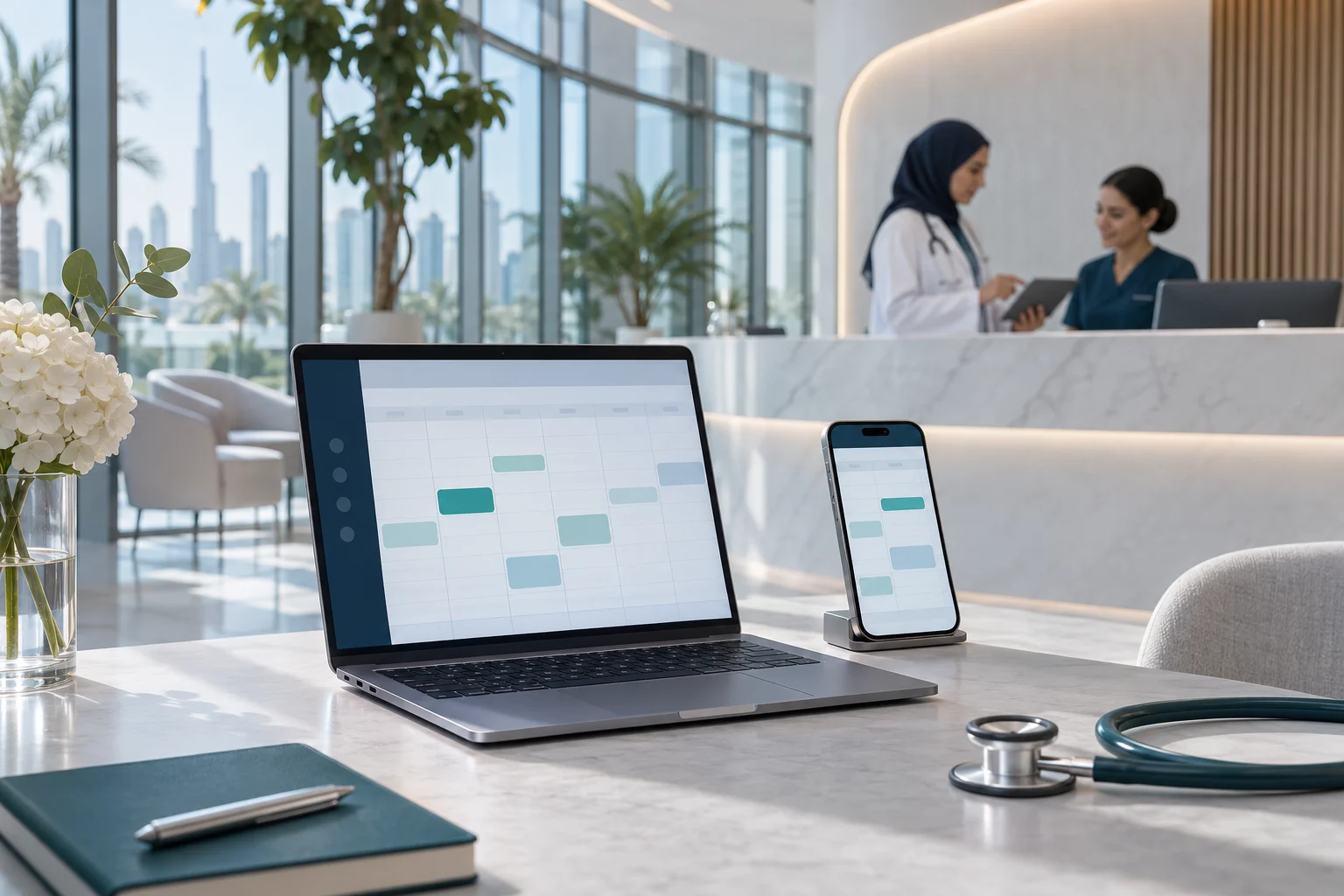
Clinician and room schedules, visit durations, patient search, first appointments and follow-ups, with status updates throughout the day.
 Skip to content

DAMA ROSE MEDICAL
Medical centre management software connecting reception, clinicians and management across specialities, with a mobile app that keeps relevant work within reach.
ONE CONNECTED JOURNEY
Find or register the patient, then choose the clinician and available time.
Review medical history and record the visit and next steps.
Connect services to the invoice and track paid and outstanding amounts.
Track the next appointment, schedule changes and internal communication.
DESIGNED AROUND ROLES
Clinician and room schedules, visit durations, patient search, first appointments and follow-ups, with status updates throughout the day.
Medical history, allergies, examinations, prescriptions and treatment plans in context, with access appropriate to each role.
Move from an appointment into the patient record, with dental and periodontal charts for relevant specialities and treatment follow-up.
Follow invoices, payments and outstanding amounts. Accounting integration and advanced reporting are scoped during centre setup.
Appointments, authorised patient records, notifications and team communication, with biometric unlock on supported devices.
Departments, services, accounts, schedules and branding configured around your needs, with a training and migration plan.
DRM MOBILE
Staff use their centre account. Appointments and changes follow their permissions, and clinicians can open appointment details and the linked record. Notification read state stays aligned with the web system, while biometrics simplify returning to the account.
An Android build is available for a guided demonstration. Request a walkthrough with demonstration data to evaluate the fit for your team.
DRM
A discreet alert on the lock screen
A CONSIDERED IMPLEMENTATION
Review a sample export and reconcile records, appointments and attachments before agreeing migration scope and timing.
Define user roles, hosting and backup arrangements and the integration requirements for the project.
Work through scenarios with reception, clinicians and management, and plan improvement delivery and team training.
QUESTIONS
No. Departments and services are configured around the centre’s specialities, with dedicated dental tools in the appropriate workspaces.
We review the existing website and scope the booking integration, including clinician and room availability and confirmation.
Access follows the account and role. We review required permissions with centre management before operation.
Start with a walkthrough of your workflow, then document modules, integrations, hosting and training in a tailored proposal.
YOUR NEXT STEP
Tell us about your business, your team and the work you want to improve. We will shape a focused demonstration and define implementation and training.
 Optimized by Seraphinite Accelerator